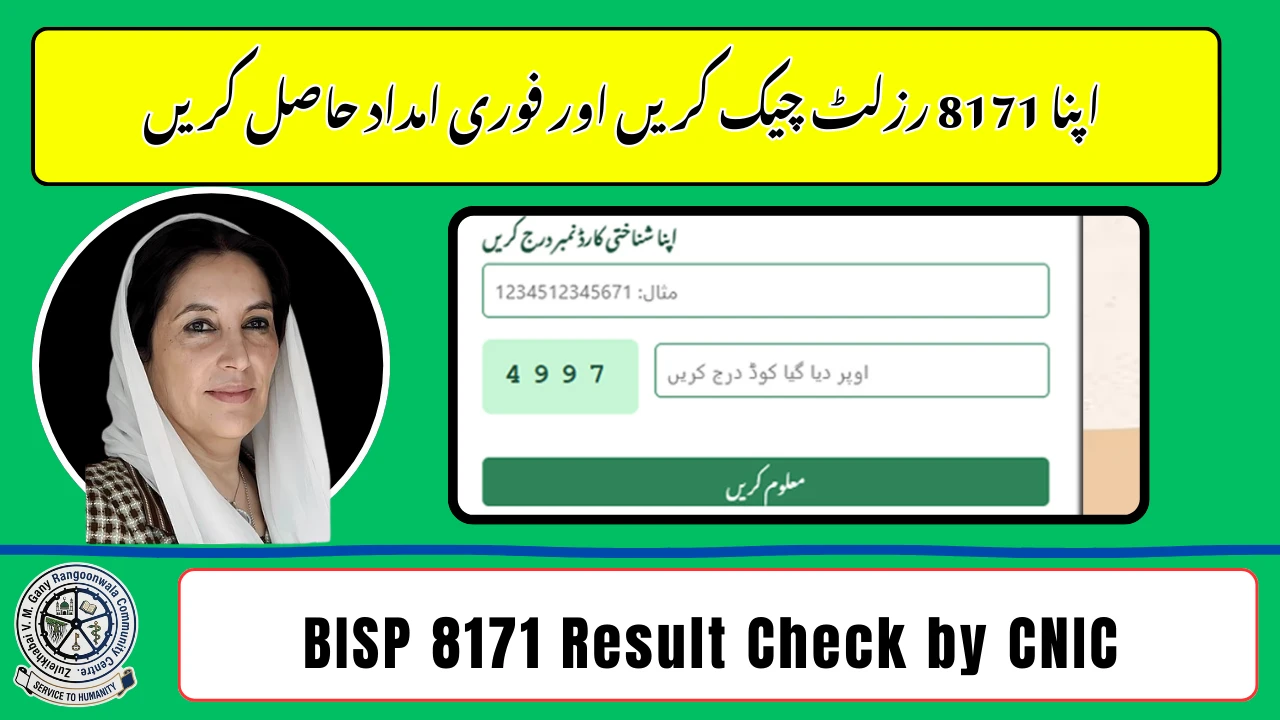
To check your BISP 8171 result online by CNIC, simply visit the official 8171 portal or send your CNIC via SMS to 8171. Within seconds, you can see your eligibility status, payment details, and registration updates under the Benazir Income Support Program (BISP). This method is designed for quick access so Pakistani families can confirm their financial assistance without visiting offices.
In 2026, the process has become faster and more user-friendly. Whether you applied for the Benazir Kafalat Program or want to track your Rs. 13,500 payment, the 8171 system provides real-time verification. This guide covers everything—steps, eligibility, documents, and common issues—so you can check your result smoothly.
What is BISP 8171 Result Check?
The 8171 result check system is an official service that allows users to verify their status in BISP using their CNIC number. It connects with NADRA and government databases to show:
- Eligibility confirmation
- Payment status (approved / pending)
- Registration details
- Survey verification updates
This system ensures transparency and quick access to financial aid information.

How to Check BISP 8171 Result Online by CNIC
Method 1: Online Portal (Recommended)
Follow these steps:
- Open the official 8171 web portal
- Enter your 13-digit CNIC number (without dashes)
- Fill in the captcha code
- Click on “Check Result”
- View your complete status instantly
Method 2: SMS Service (Without Internet)
If you don’t have internet:
- Type your CNIC number
- Send it to 8171
- Receive your result via SMS

Eligibility Criteria for BISP 8171 (2026)
To qualify for BISP assistance, you must meet these conditions:
- Pakistani citizen with valid CNIC
- Monthly income below poverty threshold
- Registered in NSER survey
- No government job
- Not a taxpayer or business owner
Women-led households are given priority under the Benazir Kafalat Program.

Required Details for Checking Result
| Requirement | Description |
|---|---|
| CNIC Number | Valid 13-digit ID |
| Mobile SIM | Registered number for SMS updates |
| Internet | Needed for online portal |
| NSER Data | Must be updated in survey |
Understanding Your BISP Result Status
When you check your CNIC, you may see different messages:
- Eligible → You will receive payment
- Not Eligible → Does not meet criteria
- Under Verification → Data is being reviewed
- Payment Issued → Amount has been released
Common Problems & Solutions
CNIC Not Found
Update your details through the nearest BISP office or NSER survey center.
Under Verification Status
Wait a few days; your data is still being processed.
SMS Not Received
Ensure your SIM is active and try again after some time.
Why BISP 8171 CNIC Check is Important
Checking your result regularly helps you:
- Confirm eligibility instantly
- Avoid missing payments
- Stay updated with government support
- Plan household finances better
Conclusion
The BISP 8171 result check online by CNIC is the fastest way to verify your eligibility and payment status in 2026. With just your CNIC, you can access complete details within seconds.
FAQs
How can I check my BISP 8171 result online by CNIC?
Visit the 8171 portal, enter your CNIC, and click “Check Result” to see your status.
Can I check BISP result without internet?
Yes, send your CNIC to 8171 via SMS to get your result.
What does “eligible” mean in BISP?
It means you qualify for financial assistance and will receive payment.
How often should I check my status?
You should check regularly, especially after applying or survey updates.
Is there any fee for checking BISP result?
No, it is free, but SMS charges may apply.
What should I do if I am not eligible?
Visit the nearest BISP office and update your NSER survey information.
How long does verification take?
Usually a few days to a few weeks depending on data verification.